
Why this matters now
The trigger is moving into the workflow
OpenAI's Workspace Agents documentation describes a backend-triggerable workflow: an access token can call a published agent trigger, which returns a queued 202 response. That changes where an agentic task can begin, but it does not make an advertising change safe by itself.
A task can start elsewhere
A backend system or automation can trigger a published Workspace Agent instead of waiting for someone to open a chat.
Advertising has real scope
One request may touch several accounts, campaigns, budgets, or statuses. A confident response is not a substitute for a target list.
Approval still matters
The useful bridge is a reviewable operating sequence, not a claim that Workspace Agents and AdRate are officially integrated.
What AdRate adds
Turn a plain-English request into bounded TikTok Ads work
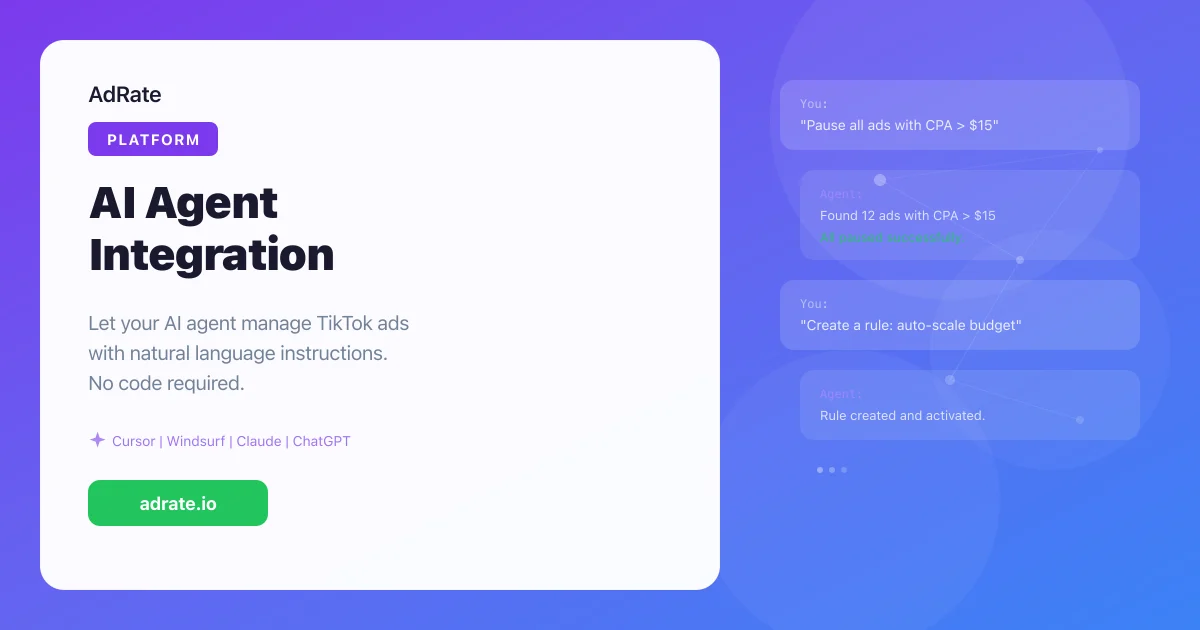
AdRate CLI and Agent Skills are available inside supported agent platforms. The agent handles the request; AdRate returns data or performs a supported operation against Ads and GMV Max.
Read before writing
Ask for account reports, spend, or a matching list before allowing a status or budget change.
Operate across accounts
Use natural language for supported bulk pauses, budget adjustments, and campaign copies with the destination scope stated explicitly.
Make rules reviewable
Describe a supported condition and action, then inspect the proposed result before a rule is executed.
The operating frame
Read scope, Dry Run, approve, execute, audit
Use the same five checkpoints whether the request starts in a conversation or from an automation trigger.
- Read scope. Name the accounts, market, campaign, label, date window, and metric. Start with a report or matching list so the agent's interpretation is visible.
- Dry Run. Simulate a bulk pause, budget adjustment, campaign copy, or supported rule. Review the affected targets and why they matched.
- Approve. Confirm that the account set, current status, and intended action are correct. For a large budget change or a new market, keep the final decision with a human.
- Execute. Authorize only the supported operation within the reviewed scope. Workspace Agents triggering an agent does not grant AdRate access or create an official OpenAI integration.
- Audit. Check the execution result and audit record. Keep that evidence for team handoff and later troubleshooting; do not rely on a conversational "done" alone.
This is a control frame, not a promise of a CPA or ROAS outcome. It reduces ambiguity around what an agent was asked to do and what was actually allowed to run.
Good first workflows
Start where the request is repetitive and testable
Multi-account morning check
Ask for seven-day spend or a read-only CPA shortlist across named accounts before considering any action.
Anomaly response
Use a clear threshold to prepare a no-conversion pause list, then run Dry Run before changing status.
Campaign replication
Request a copy to named destination accounts and review the resulting scope before execution.
Rule preparation
Describe a supported condition, action, and frequency; treat the proposed rule as a draft until reviewed.
Workspace Agents and TikTok Ads AI Agent FAQ
Is AdRate officially integrated with OpenAI Workspace Agents?
No official integration is claimed here. OpenAI's documentation describes how a published Workspace Agent can be triggered by backend systems or automations with a Workspace Agent access token. AdRate separately provides CLI and Agent Skills capabilities for supported agent platforms. They should be treated as separate products unless an official integration is announced.
What TikTok Ads actions can an AI agent perform through AdRate?
Within the documented capability set, an agent can read Ads and GMV Max reports, prepare or execute supported bulk pauses and budget adjustments, copy campaigns across accounts, and configure supported automatic rules. Use the exact account and action scope in each request.
How does Dry Run reduce accidental ad changes?
Dry Run simulates the proposed operation before the real change. Review the affected targets, account scope, current status, and match reason, then approve only when the list is correct. It is a review boundary, not a guarantee that every business decision is correct.
Does this guarantee better CPA or ROAS?
No. The workflow is designed to make repetitive operations more explicit and reviewable. CPA, ROAS, and other media outcomes depend on the strategy, inputs, market, creative, and auction conditions.